How to Draw Cyborg - Teen Titans Go Drawing: Premium Arcade Edition
Related Games
 Teen Titans Go Burger and Burrito - Cartoon Network Arcade: Origins & Adventures
 Mr Bean Backyard Junk - Play Free: Elite Master Edition
 Home Alone Survival Cartoon Network: Origins & Adventures
 Rugby Kicks Online Sports: Pro Gaming Chronicles
 Baby Looney Tunes Find It - Fun Hidden Object Game for Kids: Origins & Adventures
 Tales of the Teenage Mutant Ninja Turtles Trivia: World of Legends
 QuestBuy Rush - Daily Rewards Strategy: Legacy of the Champions
 SpongeBob SquarePants Bikini Bottom Mysteries: Pixel Perfect Edition
 Mindy's Moonball - Space Basketball Adventure: The Master Challenge
 The Alpha Bet-U-Can Game: World of Legends
 Nickelodeon Block Party 3: Premium Arcade Edition
 Henry Danger The Danger Trials - Nickelodeon Superhero: Galactic Fun Edition
 Kung Fu Pawsome Panda Adventure: Pixel Perfect Edition
 Mighty Magiswords Action Adventure Quest: Legacy of the Champions
 Ben 10 Blockade Blitz - Online Alien Puzzle Action: The Ultimate Hero Saga
 Uncle Grandpa vs Aunt Grandma Cartoon Network: Premium Arcade Edition
 Climbing with Bunga - The Lion Guard Adventure: The Master Challenge
 Spider-Man Masked Missions: The Ultimate Hero Saga
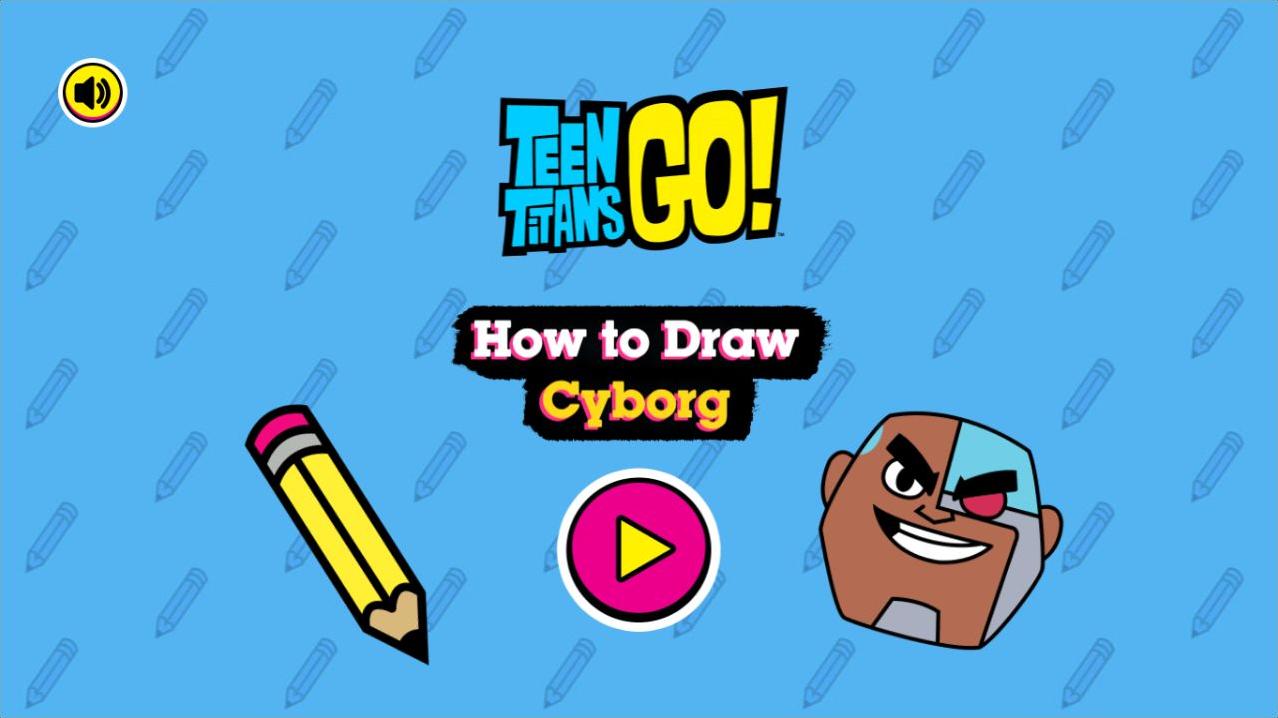
How to Draw Cyborg - Teen Titans Go Drawing: Premium Arcade Edition
Booyah! Ever wanted to learn how to draw Jump City's favorite half-man, half-robot hero? Join us for an interactive art lesson where we break down Cyborg's design into easy-to-follow steps. From his iconic robotic eye and metallic armor to that trademark enthusiastic grin, you’ll learn the secrets behind drawing a true Titan. This isn't just for pro artists—whether you’re a complete beginner or a doodling expert, our guided system makes character illustration fun and simple. It’s a wonderful way to relax and get creative while hanging out with one of the most beloved members of the *Teen Titans Go!* crew. The interface is super friendly for all ages, letting you practice your lines and refine your version of Cyborg until it’s just right. Grab your virtual pencil and let's get sketching—your career as a Jump City artist starts today!
How to Play How to Draw Cyborg - Teen Titans Go Drawing: Premium Arcade Edition?
1. Click the large pink Play button on the start screen to begin your drawing lesson. 2. Follow the on-screen instructions that highlight specific lines and shapes to draw in sequence. 3. Use your mouse or touch screen to trace or replicate the highlighted segments carefully. 4. Complete each layer of the drawing as directed by the tutorial. 5. Once you have traced all the necessary lines to form Cyborg's head and features, you will see your finished masterpiece. 6. Enjoy the process of creating your own version of Cyborg and feel free to restart if you want to practice your lines again!